
Understanding Audio Codecs: A Guide to SBC, AAC, aptX, and LDAC
It has been a long time since Bluetooth was invented. Nowadays, Bluetooth audio is very common. Although there's a layer most people don't think about: the codec. The codec your earbuds use to receive audio from your phone determines whether you're hearing the music as it was recorded or as a compressed version. This guide covers the four main Bluetooth audio codecs: SBC, AAC, aptX, and LDAC, and explains which one really matters for your device.
What is an Audio Codec?
When your phone sends audio to wireless earbuds, it doesn't transmit raw audio data. Bluetooth doesn't have the bandwidth for that. Instead, the audio gets compressed, sent wirelessly, and then decompressed at the earbuds. That compression and decompression is performed by a codec.
The word "codec" is short for coder-decoder. Your phone encodes the audio; your earbuds decode it. The codec they use determines how good the audio will sound and how fast it will arrive.
Why Audio Codecs Matter
Codecs affect three noticeable things: sound quality, latency, and battery life. Sound quality drops when a codec compresses the data too aggressively. Latency increases when the encoding and decoding processes take longer. Battery drain increases slightly due to complex processing within the codec, though the real-world effect is small enough to ignore most of the time.
If your phone and earbuds don't share a common codec, they go back to SBC, the lowest common denominator. Buying LDAC earbuds and pairing them with an iPhone means you paid for something that you can't use. Codec compatibility matters when buying a device.
What is SBC?
SBC stands for Sub-Band Coding. It's the mandatory default Bluetooth audio codec, meaning every Bluetooth audio device has to support it. When a phone and earbuds can't agree on a better codec, they have to use the default SBC.The maximum bitrate is 328 kbps, but most run at considerably lower rates, between 192 and 237 kbps. At those rates, some high-frequency detail gets lost. It's not terrible, just the floor. But it's very noticeable on good headphones.
SBC's one real advantage is universality. It works with everything, always.

What is AAC?

.AAC works excellently on iPhones. Since Apple keeps the transmission bitrate consistently high, iPhone users usually get great wireless audio quality even at a maximum bitrate of 250 kbps. On Android, AAC quality is less predictable. Some phones handle it perfectly; others apply additional processing that reduces the quality. Samsung devices have been performing inconsistently with AAC over the years.
If you're on an iPhone, AAC is what you've got. It’s enough for everyday listeners.
What is aptX?
Qualcomm has expanded the aptX lineup over the years:
aptX — the basic version of 352 kbps is widely supported across Qualcomm-based phones and mid-range earbuds aptX HD — targets hi-res audio sources at 576 kbps, found on some flagship earbuds aptX Adaptive — the current flagship, dynamically scales from 276 to 420 kbps based on signal conditions aptX Low Latency — trades some audio quality for speed, targeting around 40ms, used for gaming and video
There is a catch: aptX requires a Qualcomm chipset in the device. Qualcomm-based phones from Samsung, OnePlus, and Sony support it. MediaTek-based phones generally don't. iPhones don't support any aptX variant.
What is LDAC?

LDAC operates in three modes: 990 kbps for best quality, 660 kbps as a middle ground, and 330 kbps to prioritise connection stability when the signal is weak. Android 8.0 Oreo included native LDAC support after Google licensed it from Sony, so most modern Android phones can use it without any special hardware.
The disadvantage of LDAC is connection stability. At 990 kbps, LDAC approaches Bluetooth's bandwidth ceiling. In a quiet room or on a calm commute, it's excellent. In a crowded train or a busy gym, it may automatically drop to a lower-quality tier. So it becomes a problem depending on where you tend to use your earbuds.
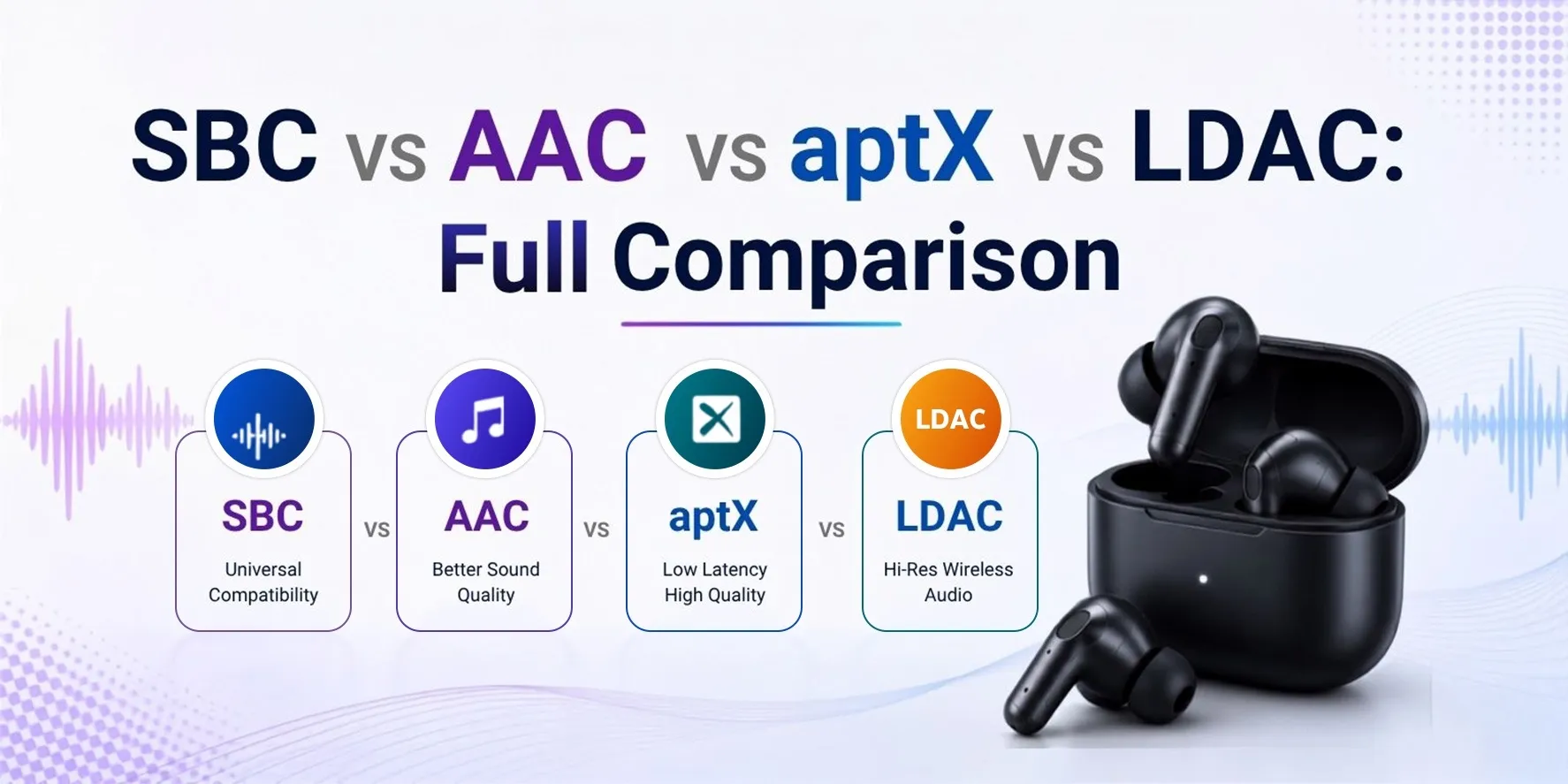
SBC vs AAC vs aptX vs LDAC: Full Comparison
Here's how all the major codecs stack up side by side:
Which Codec is Best for Android?
It depends on your phone's chipset.
On a Qualcomm-based Android phone, aptX Adaptive is the go-to option, as it dynamically adjusts to signal quality and delivers lower latency than LDAC. For pure audio quality in a stable environment with a hi-res source, LDAC at 990 kbps would give you the best performance.
For a MediaTek-based phone, aptX isn't available. LDAC is the next-best option on Android 8.0 or better. If your earbuds only support SBC and AAC, test whether your phone handles AAC well before assuming it's the better choice. On some Android devices, SBC is actually more reliable.
Which Codec is Best for an iPhone?
AAC. That's the only logical option.
iPhones don't support aptX or LDAC. Apple controls the audio codec stack and hasn't licensed either. What iOS does well is AAC. The implementation is consistent, and the audio quality is good. Third-party earbuds with solid AAC support work well with the iPhone.
AirPods Pro 2 with AAC exceeds what the 250 kbps bitrate implies. The gap between LDAC and AAC is real, but narrower than the raw numbers suggest, specifically when streaming compressed audio from services like Spotify or YouTube Music
Which Codec is Best for Gaming?
Latency matters more than sound quality for gaming. A 200ms audio delay is visibly out of sync compared to a 40ms delay.
aptX Low Latency has around 40ms latency, the lowest of any standard Bluetooth codec. aptX Adaptive also handles latency well while scaling quality dynamically based on signal conditions. LDAC's audio quality is excellent, but its latency of around 200ms makes it a poor choice for gaming.
For competitive gaming, wired audio is much better than wireless. For casual gaming or watching video wirelessly, aptX Low Latency is the practical choice.
Which Codec is Best for Music Streaming?
It depends on what you're streaming.
Spotify caps at 320 kbps audio. At that bitrate, the difference between aptX and LDAC is largely irrelevant since the source file is the bottleneck, not the codec. For Spotify, YouTube Music, or similar services, AAC or aptX is good enough.
LDAC starts to show a real advantage when the source is higher quality: locally stored 24-bit FLAC files, or hi-res streams from services like Tidal HiFi or Amazon Music HD. At 990 kbps, LDAC preserves detail that lower codecs do not. The improvement is noticeable on good headphones in a quiet room.
Which Codec Uses Less Battery?
SBC and AAC are the lightest codecs in terms of processing demand. LDAC requires the most. aptX is in between them.
In real terms, the difference translates to a few per cent of earbud battery life. Most manufacturers test and publish battery ratings with the device's default codec running, so LDAC power use is typically already accounted for in the stated numbers.
How to Check Your Phone's Bluetooth Codec
On Android, you need Developer Options enabled. Go to Settings > About Phone, then tap Build Number seven times. Once Developer Options appears in your Settings menu, open it and look for the Bluetooth Audio Codec option. A dropdown will show all codecs your phone supports and which one is currently active. You can switch between them here.
On the iPhone, there's no equivalent setting. iOS handles codec selection automatically and doesn't expose it to users.
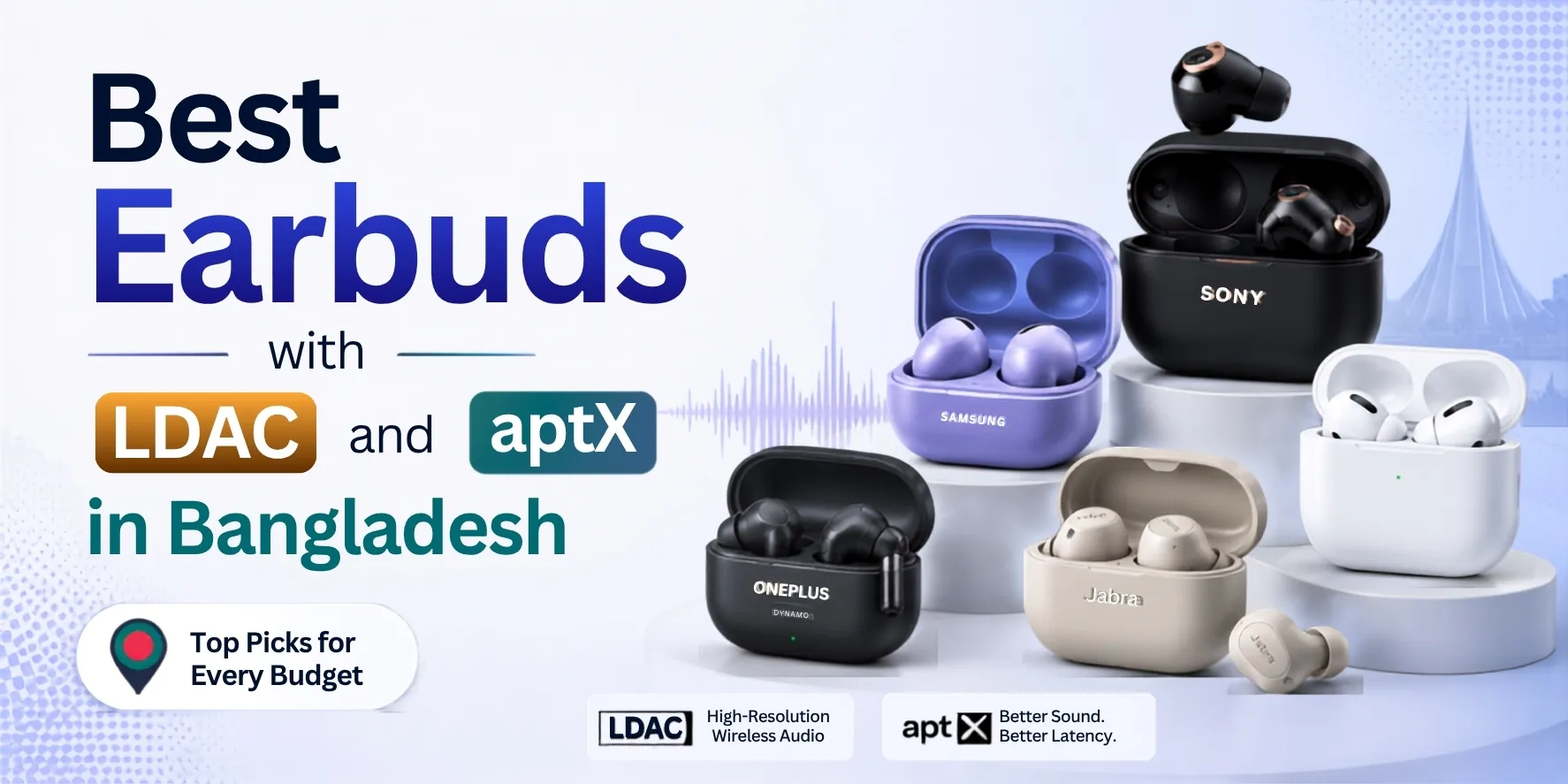
Best Earbuds with LDAC and aptX in Bangladesh
If you're shopping for wireless earbuds in Bangladesh and codec support matters to you, here are some well-regarded options at different price points. Prices are approximate and may vary by retailer
LDAC Earbuds
- QCY MeloBuds N20 Pro — Around ৳ 2,500 to ৳3,200. QCY’s current flagship wireless earbud. The LDAC implementation is the best in the market, with strong ANC and solid call quality to match.
- Realme Buds Air 8 — Around ৳4,000 to ৳5,000. A solid choice with LDAC and LHDC support device
- QCY HT08 MeloBuds Pro: Features 46dB Hybrid ANC, 6 mics, and Hi-Res LDAC support. (Price: ~৳3,000 – ৳4,000)
- Cmf by Nothing Buds Pro 2 — Around ৳5,499 to ৳8,000. A solid mid-range pick with LDAC support on Android.
aptX Earbuds
- SoundPEATS Air 5 — Around ৳ 5,000 to ৳6,000. Supports aptX Adaptive, has good ANC, and is comfortable for extended wear.
- SoundPEATS Air4 Pro — Around ৳4,500 to ৳ 6,000. aptX and aptX Adaptive support with multipoint connection for switching between devices.
Best for iPhone (AAC)
- Apple AirPods Pro 2 — Around ৳23,000 to ৳30,000. The best wireless earbud option for iPhone users, period.
- Apple AirPods 4 — Around ৳15,000 to ৳20,000. Good value for iPhone users who don't need ANC.
Where to Buy in Bangladesh
Looking for any of these earbuds in Bangladesh? SMS Gadget carries a wide range of audio products from Sony, Samsung, Apple, Jabra, and other brands, each backed by official warranty coverage. Browse their audio collection at SMS Gadget — and if you're not sure which codec your shortlisted earbuds support, their team can help you sort it out before you buy.
Frequently Asked Questions
Q1: Which Bluetooth codec has the best sound quality?
LDAC at 990 kbps is the highest-bitrate mainstream Bluetooth codec. With a compatible Android phone and good earbuds, the improvement over aptX or AAC is audible on hi-res source material. It's not subtle.
Q2: Which codec is best for Android?
On a Qualcomm-based phone, aptX Adaptive balances quality and stability well. On any Android 8.0 or later device, LDAC is available for maximum quality. If your earbuds only support SBC and AAC, check whether your phone handles AAC cleanly — it varies by manufacturer.
Q3: Which codec is best for iPhone?
AAC is your only real option. iPhones don't support aptX or LDAC. iOS handles AAC consistently well, and with AirPods, the quality is solid. Third-party earbuds with a strong AAC implementation also perform well on iPhone.
Q4: Is LDAC better than aptX?
For raw audio quality, LDAC at 990 kbps wins. For everyday stability and lower latency, aptX Adaptive is often the more reliable choice. LDAC can drop to a lower quality tier in busy radio environments; aptX Adaptive adjusts automatically.
Q5: Is AAC better than SBC?
Most definitely better on an iPhone. But on Android, it depends on the phone. Some Android devices handle AAC properly, but others add extra processing that reduces the quality. If you're on Android and unsure, it's worth testing both on your specific device.
Q6: Does Bluetooth codec affect sound quality?
Yes. The codec controls how much the audio is compressed before wireless transmission. More compression means more detail is lost. SBC compresses aggressively; LDAC at 990 kbps compresses far less. The difference is audible on decent headphones with high-quality source material.
Q7: Does the codec affect battery life?
Slightly. LDAC requires more processing than SBC or AAC, which draws a small amount of extra power. In practice, the difference is a few per cent of earbud battery life. Most manufacturers already factor this into their stated battery ratings.
Q8: Which codec is best for gaming?
aptX Low Latency targets around 40ms, the lowest of any standard Bluetooth codec. aptX Adaptive also performs well in terms of latency. LDAC has a latency of around 200ms, which is noticeable in gaming. For audio-visual sync, aptX Low Latency is the right choice.
Q9: Does the iPhone support LDAC?
No. iPhones support SBC and AAC only. Apple hasn't licensed LDAC or any aptX variant. LDAC requires an Android device running Android 8.0 or later.
Q10: Do all wireless earbuds support LDAC?
No. LDAC support has to be built into the earbuds' hardware. Budget earbuds typically support only SBC and AAC. Sony's premium earbuds all include LDAC. Some mid-range earbuds from Samsung, OnePlus, and a few other brands also include it.
Q11: Is LDAC true lossless audio?
No. LDAC is lossy even at 990 kbps — it still compresses the audio, just far less than other codecs. True lossless Bluetooth audio doesn't exist in mainstream consumer hardware yet. Bluetooth's bandwidth isn't sufficient to reliably carry uncompressed CD-quality audio.
Q12: How do I check which codec my phone is using?
On Android, enable Developer Options by tapping Build Number seven times in Settings > About Phone. Then go to Settings > Developer Options > Bluetooth Audio Codec. You'll see the active codec and can switch between supported options. On iPhone, there's no equivalent — iOS manages the codec automatically and doesn't expose the setting.
Disclaimer: All prices listed are approximate and subject to change. For current pricing and availability, visit smsgadget.com.